
GhostPane License & Download
Get full access to GhostPane native macOS menu bar utility with a single one-time payment. Lifetime usage with no subscriptions.
Standard License
Lifetime access
- App Quick Hide & instant window restore
- 1-Click Gatekeeper Quarantine Attribute Cleaner
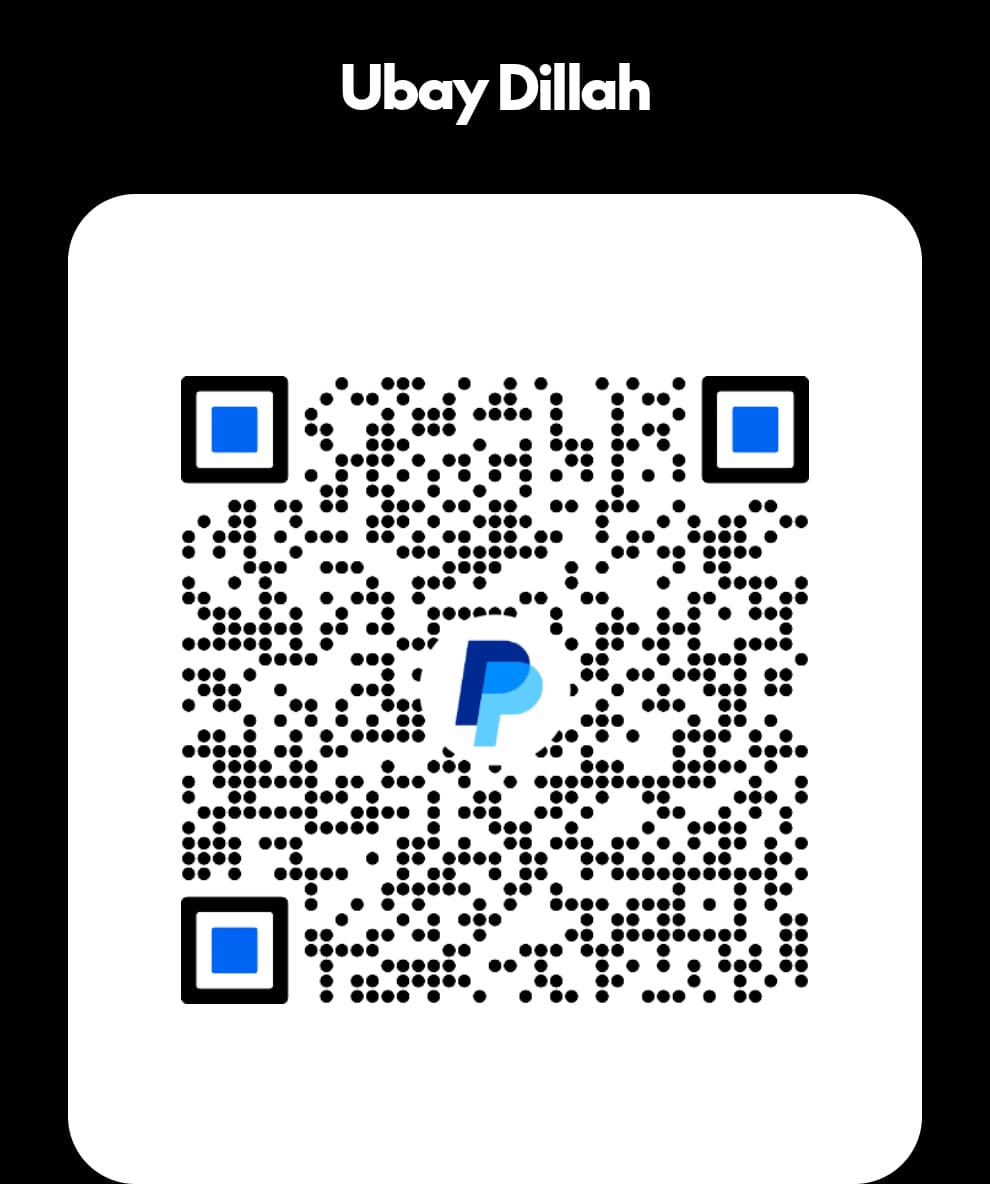
Please complete payment via Mandiri (IDR) or PayPal (USD), then send the receipt to WhatsApp below. We will verify and send your license key promptly.
Pro License
Lifetime access
- App Quick Hide & instant window restore
- Ghost Browser floating overlay & power tools
- 1-Click Gatekeeper Quarantine Attribute Cleaner
Please complete payment via Mandiri (IDR) or PayPal (USD), then send the receipt to WhatsApp below. We will verify and send your license key promptly.
3-Step Activation Guide
Download the .dmg installer and drag GhostPane to your Mac Applications folder.
Transfer via Mandiri (IDR) or PayPal (USD) and send proof of payment via WhatsApp.
Launch GhostPane from the Menu Bar, enter the license key sent to WhatsApp, and start using.
Important Notice for First-Time Launch (macOS Gatekeeper)
When opening GhostPane for the first time after downloading from a web browser, macOS might show a security prompt: "GhostPane cannot be opened because Apple cannot check it for malicious software".
xattr -cr .. (drag & drop GhostPane.app)